A free till for your stall, van or café
Add your products, tap to sell, cash up at the end of the day. Mini Till runs in your browser, on the phone or tablet you already own.
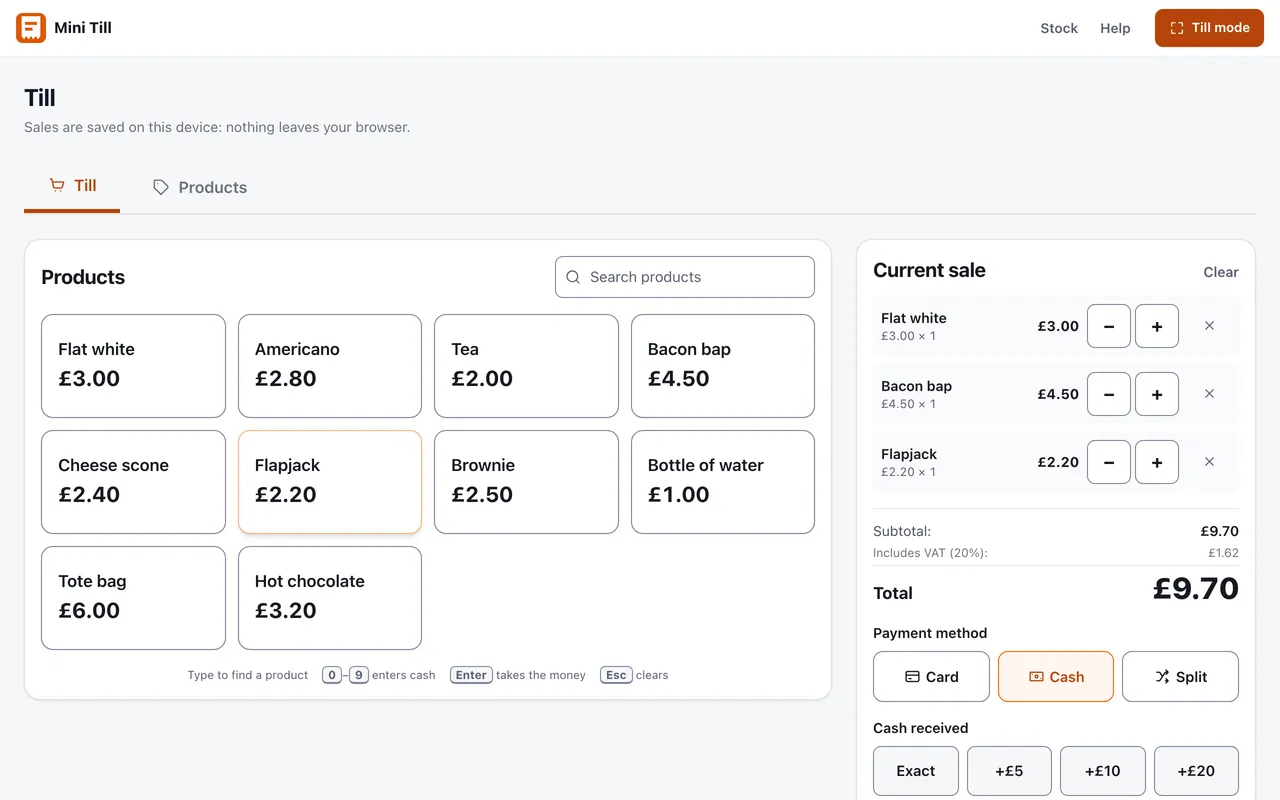
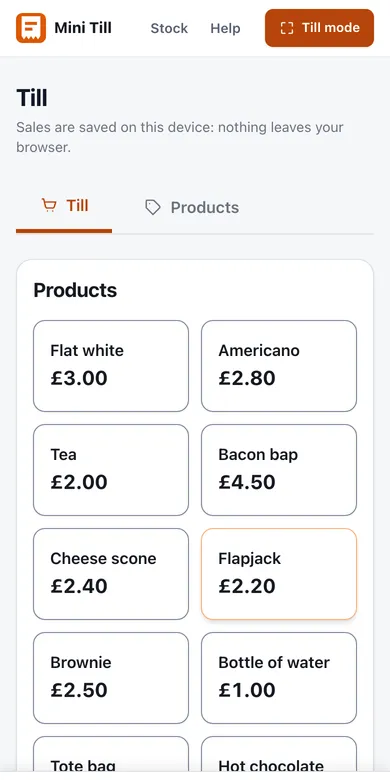
Everything a small till needs, nothing it doesn't
Mini Till does the job of a cash register and the notebook you reconcile it against, and skips the card machine sales pitch.
Installs like an app, works with no signal
Add it to your home screen and it opens full-screen like any app, and keeps selling without signal. Sales are saved on your device, not on someone else's server, and one tap backs the lot up to a file.
No sign-up, no fees
Open the till and start. There is no account to create and no percentage taken from anything you sell. The till is free; only the optional stock system is paid.
Card, cash and split payments
Record how each sale was paid, get change worked out for you, and see card against cash totals when you cash up.
CSV export
Download your sales history as a spreadsheet for your records, your VAT return or your accountant. Thirty seconds at the end of the day.
VAT and discounts
Prices are VAT-inclusive at 20%, with the VAT portion shown on every sale. Percentage and fixed discounts when you need them.
Optional stock control
Running more than one counter? Mini Till Pro tracks one stock across locations, with team logins and synced sales.
Built for counters that fit on a table
If your till is a phone propped against a cash tin, this is for you.
Trading from a pitch or a van? Read what changes when there is no signal and no mains power, how to take card payments at a stall, or set up a till for a food van. Running a counter indoors? See a free till for a small café or a micropub. Selling for a good cause or at a seasonal event? Read about a school, charity or club fair and a Christmas market. Not sure what a cut-back till leaves out? Mini EPOS explained.
New to tills? Start with what an EPOS system is, the free till app for iPad, Android and phone, or the guides for market traders. For the end of the day there is a printable cash up sheet.
Pricing that fits in a cash tin
The till is free, full stop. Pro exists for teams who need one stock shared across several counters.
Free
£0 forever
The till, complete. Everything runs on your device.
- Unlimited products and sales
- Card, cash and split payments
- VAT and discounts
- End-of-day dashboard and CSV export
- Installs like an app: works with no signal
- One-click backup and restore, no account ever
Pro
£10 a month, or £100 a year
For teams of up to 5: one stock, many counters, everyone signed in.
- Multi-location stock with a central store
- Deliveries, transfers, stocktakes and waste
- Team logins with five roles, up to 5 people
- Sales synced from every till, offline-safe
- Takings, margin and variance reports: CSV everything
- 14-day free trial: card taken at checkout, nothing charged until day 14
A sixth person moves you to Teams at £100 a month.
See Pro pricingTeams
£100 a month, or £1,000 a year
Everything in Pro, with no limit on how many people sign in.
- Everything in Pro, no feature differences
- Unlimited team logins across every location
- For teams of more than 5 people
- Take on seasonal staff without changing plan
- Move up from Pro any time, charged pro rata
- 14-day free trial: card taken at checkout, nothing charged until day 14
Try the stock system before paying a penny
The stock console has a full demo: four days of trade across three locations with a team of six. Nothing is saved and there is no sign-up, so you can poke around every screen as any role.
Questions, answered plainly
Is Mini Till really free?
Where does my data live?
Does it work offline?
How does it handle VAT?
Can I use the same product list on two devices?
What does Mini Till Pro add?
More detail in the full FAQ or the EPOS guide. If you are still choosing, the buyer's guide prices the options and the till manual walks through running one.
Set up your till in a couple of minutes
Add a few products and you're selling. Your products and sales stay on your device, and if it's not for you there's nothing to cancel.
Open the till